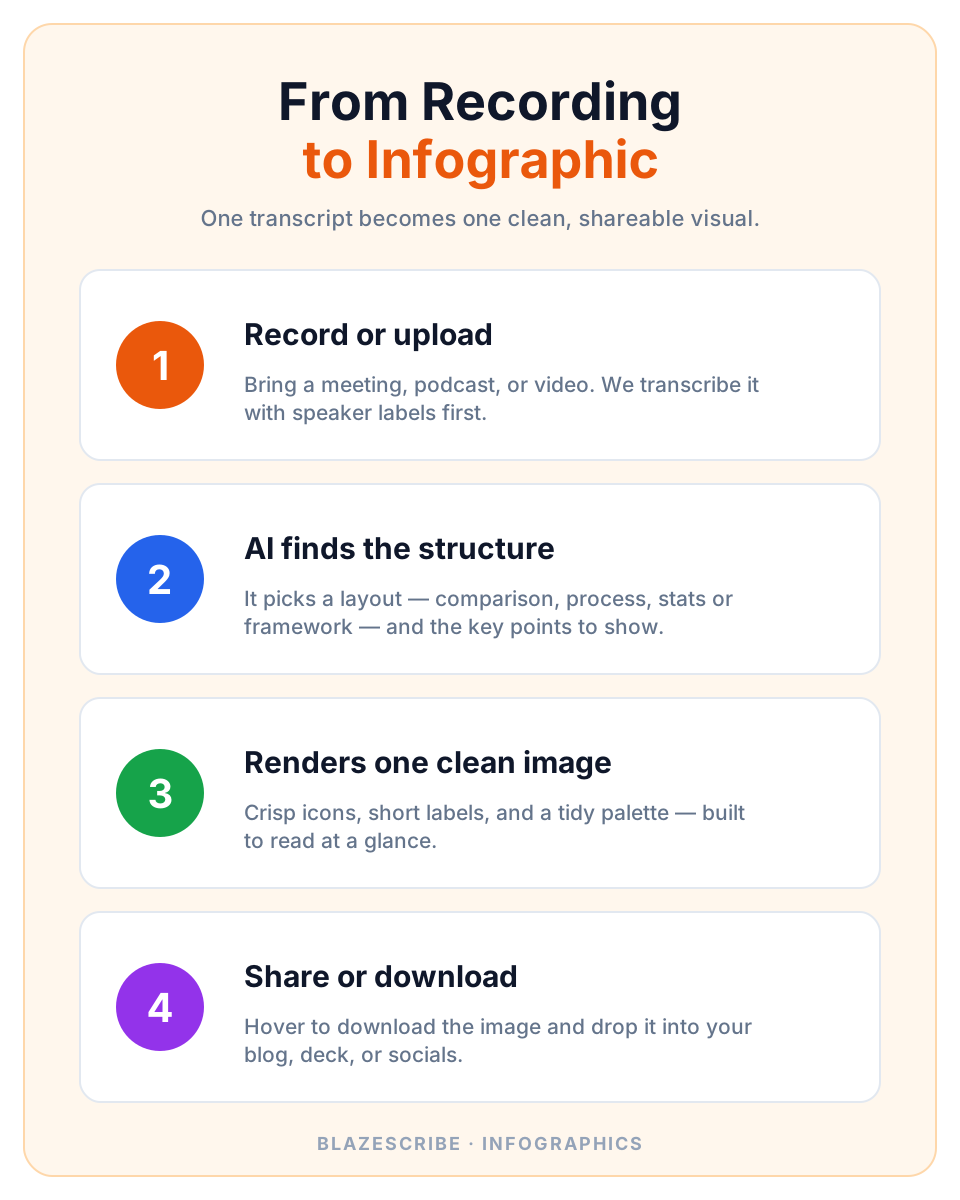
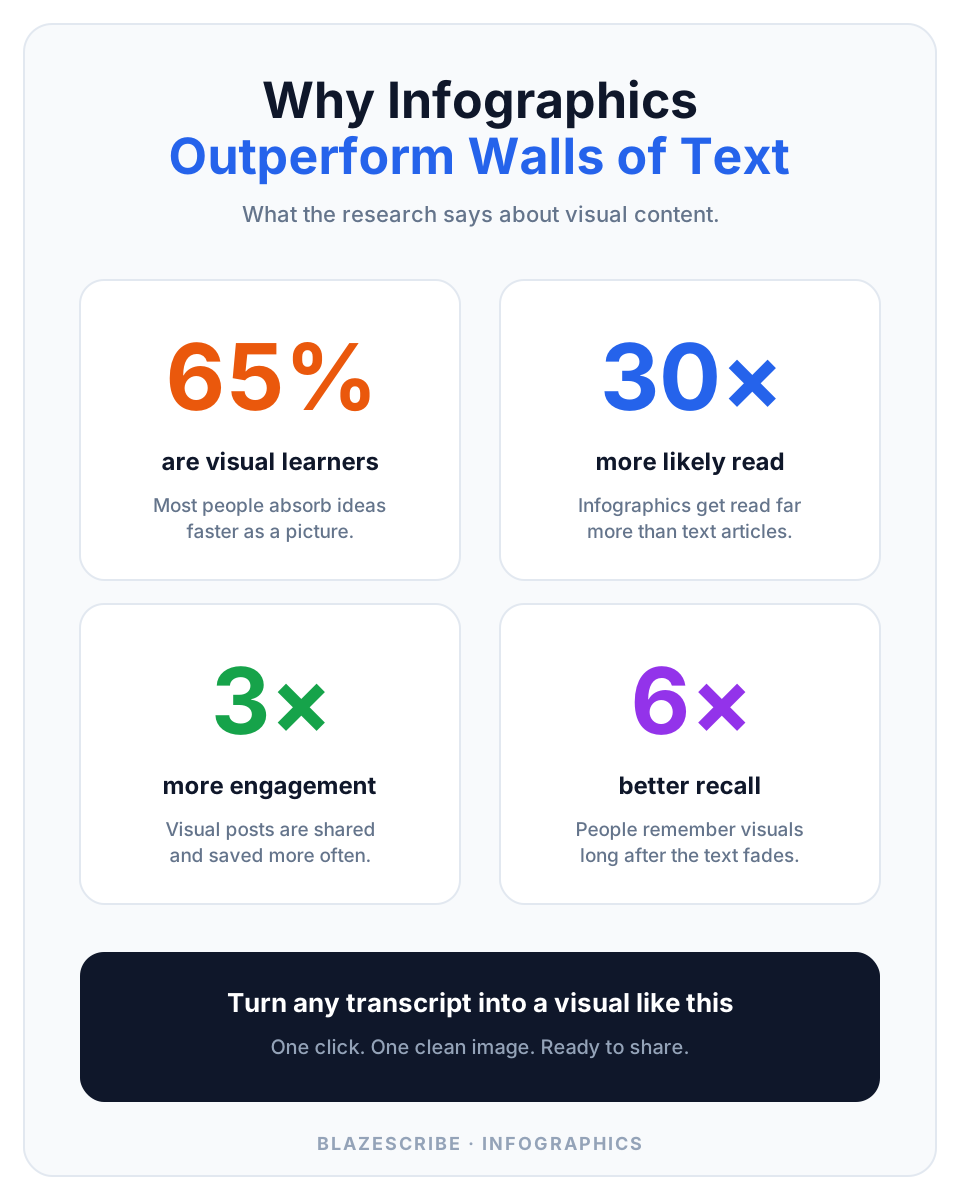
Two examples generated from the same kind of transcript you already record.
## Built to be read at a glance - **Smart layout** — AI chooses comparison, process, stats, or framework based on what was actually said. - **Short, clear labels** — No walls of text — just the key points, spelled correctly and easy to scan. - **On-brand styling** — Clean flat-vector look with a tidy palette and crisp icons on a white background. - **From any recording** — Meetings, podcasts, lectures, or interviews — if you can transcribe it, you can visualize it. - **One-click download** — Hover the image and download a ready-to-share file for your blog, deck, or socials. - **Pairs with everything** — Generate alongside blog posts, summaries, and social posts from the same transcript. ## Transcript in, infographic out. 1. **Start from a transcript** — Upload, record, or import. Blazescribe transcribes it with speaker labels first. 2. **Pick Infographic** — Choose the Infographic content type. AI structures the key points and renders the image. 3. **Download & share** — Hover to download the image, then drop it into your post, deck, or feed. ## Infographic FAQ ### What does the infographic look like? A single, clean image with a title, 3–6 labeled sections, simple icons, and a tidy color palette — designed to be read at a glance. ### Where does the content come from? Straight from your transcript. The AI extracts the most visual-friendly points and chooses a fitting layout. ### Can I download it? Yes. Hover the image and click download to save it as an image file, ready to share anywhere. ### Does it cost extra credits? Infographics generate like any other content type. Blog cover and inline images are free and never use extra credits. ## Make your next point impossible to scroll past. Turn one recording into a clean infographic your audience actually stops for. [Create an infographic free](/signup) · [See pricing](/pricing) --- Source: https://blazescribe.com/infographic Site: https://blazescribe.com